Transform natural speech into perfectly polished text. VoxType Desktop learns your style, adapts to every app, and even works completely offline.
π 15 minutes FREE every month β’ 10-day Pro trial β’ Works on Windows 10/11
From rough speech to polished textβVoxType handles it all automatically
Speak naturally and get professional results. VoxType fixes grammar, removes filler words, and polishes your text automatically.
VoxType knows where your text is going. Professional for email, casual for Slack, technical for code editorsβall automatic.
Every correction teaches VoxType your preferences. Custom vocabulary, spelling style, and toneβit remembers everything.
Keep everything local with GPU-accelerated offline processing. Your voice never leaves your computer.
5-10ms hotkey response with NVIDIA CUDA and AMD Vulkan GPU acceleration. Instant results, zero lag.
Browse all past dictations with timestamps. Search, favorite, and export your history anytime.
Record meetings up to 2 hours directly from the app. VoxPM subscribers get transcripts, summaries & action items.
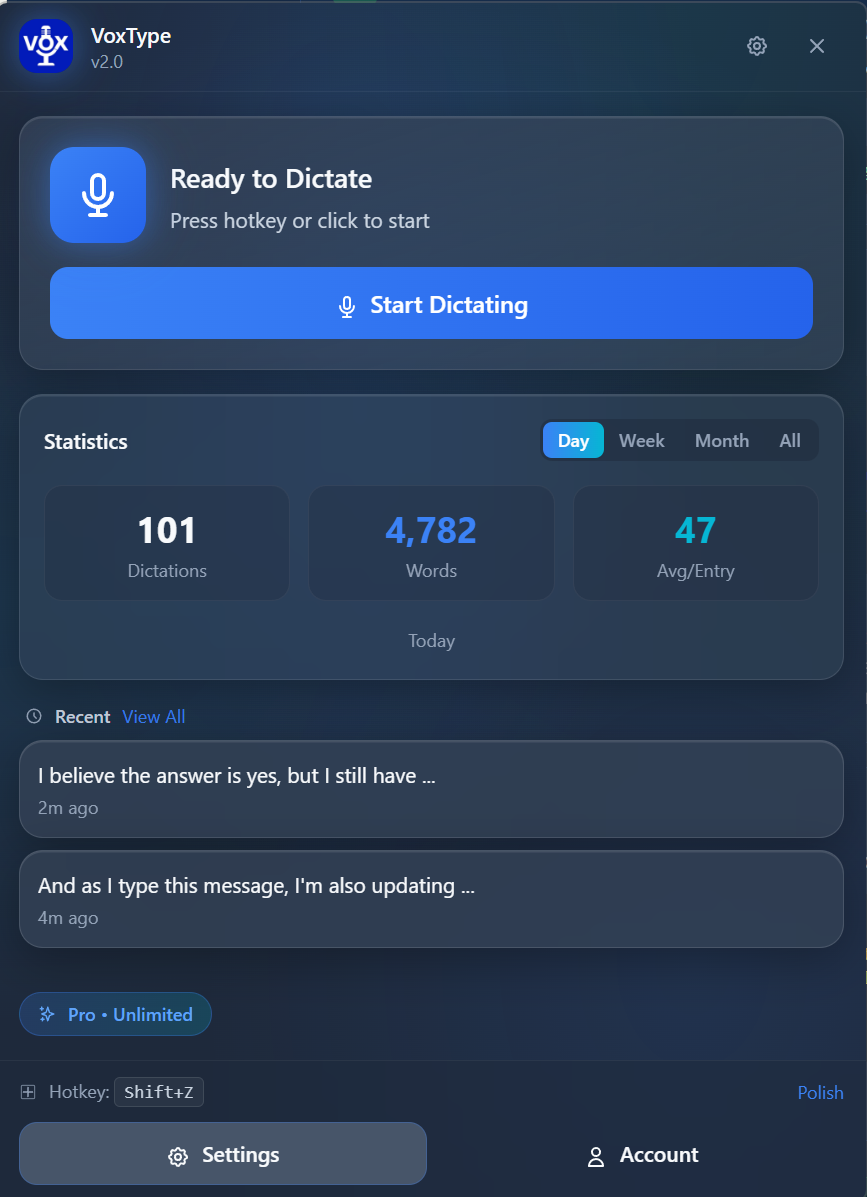
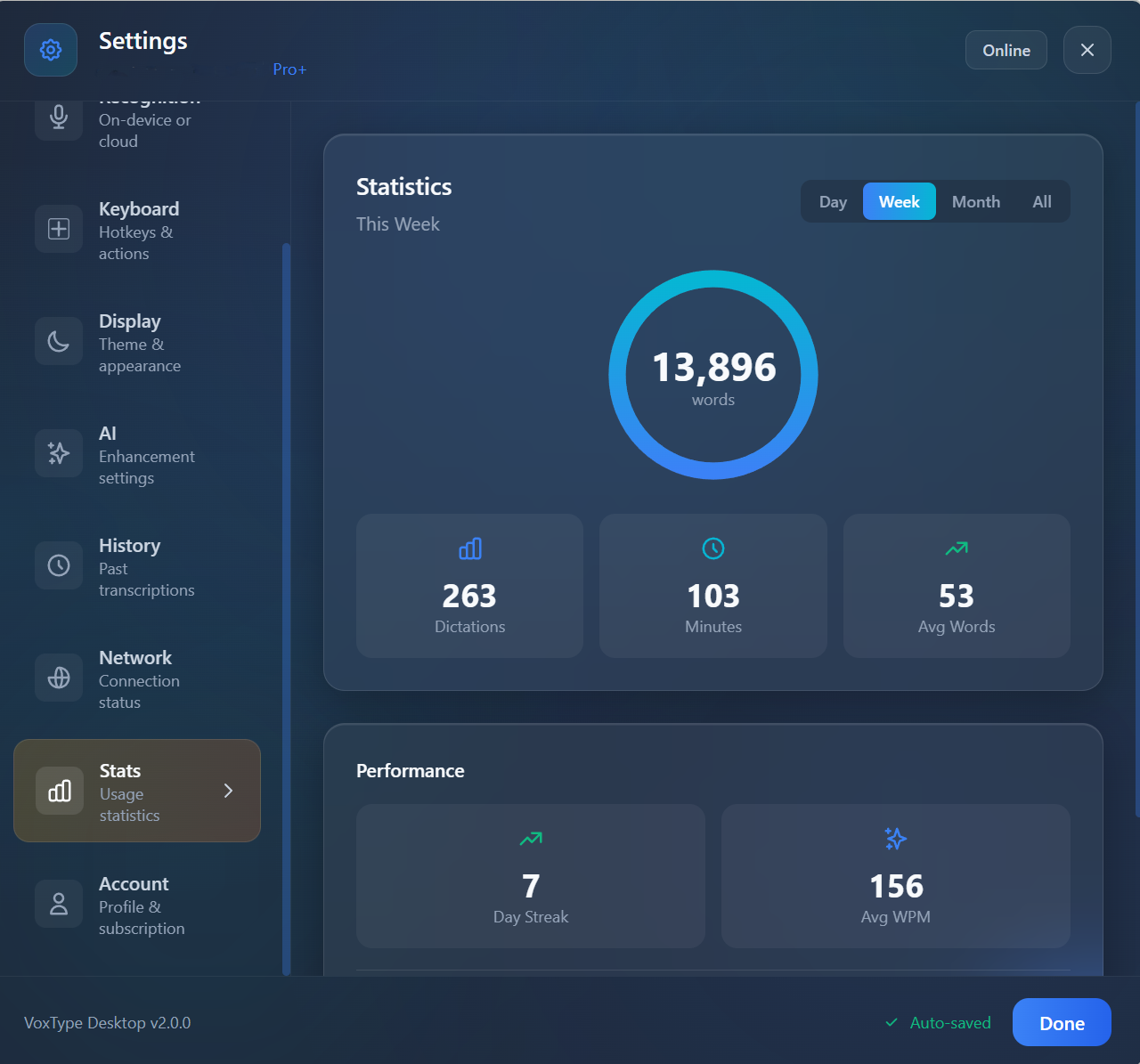
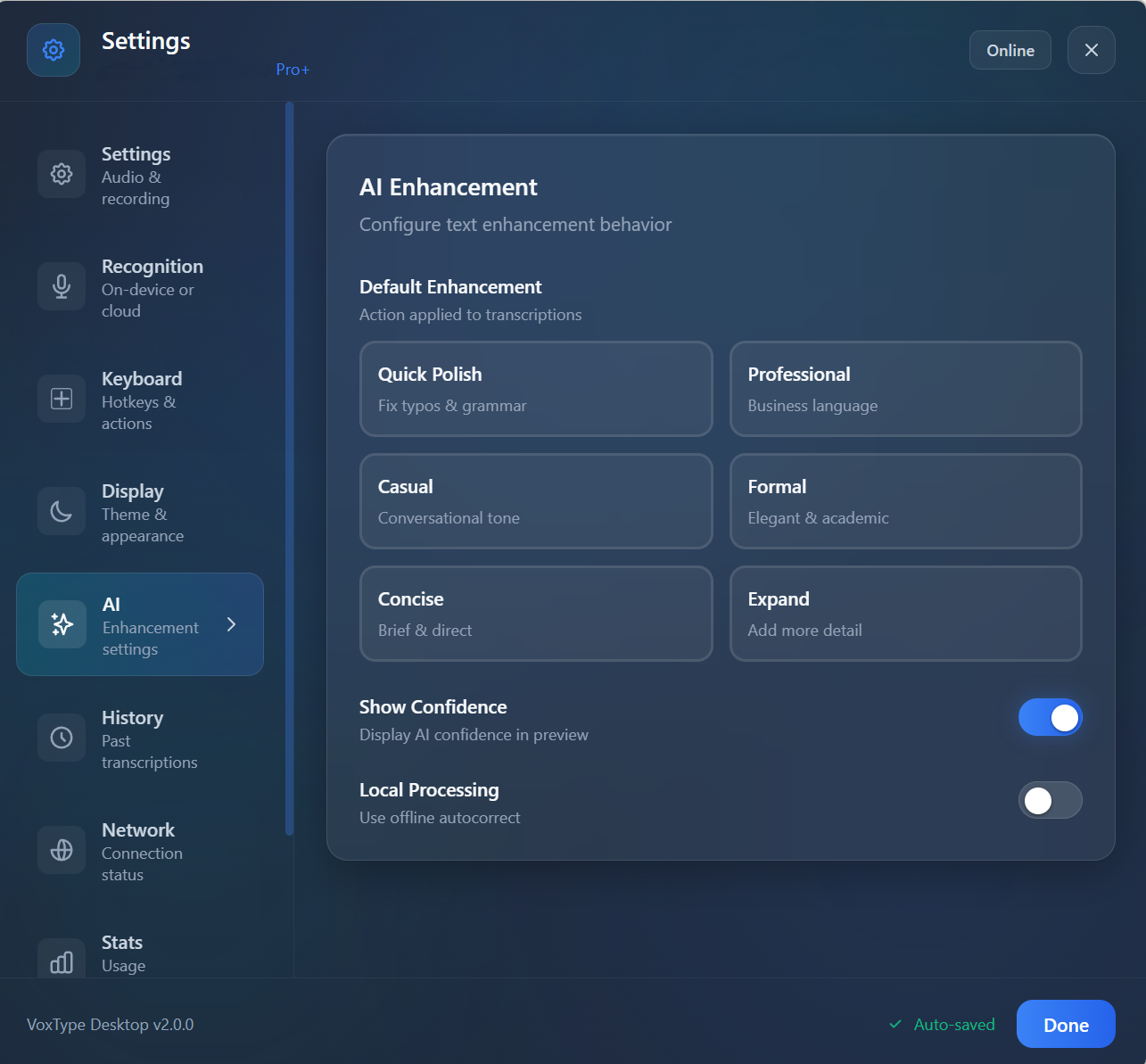
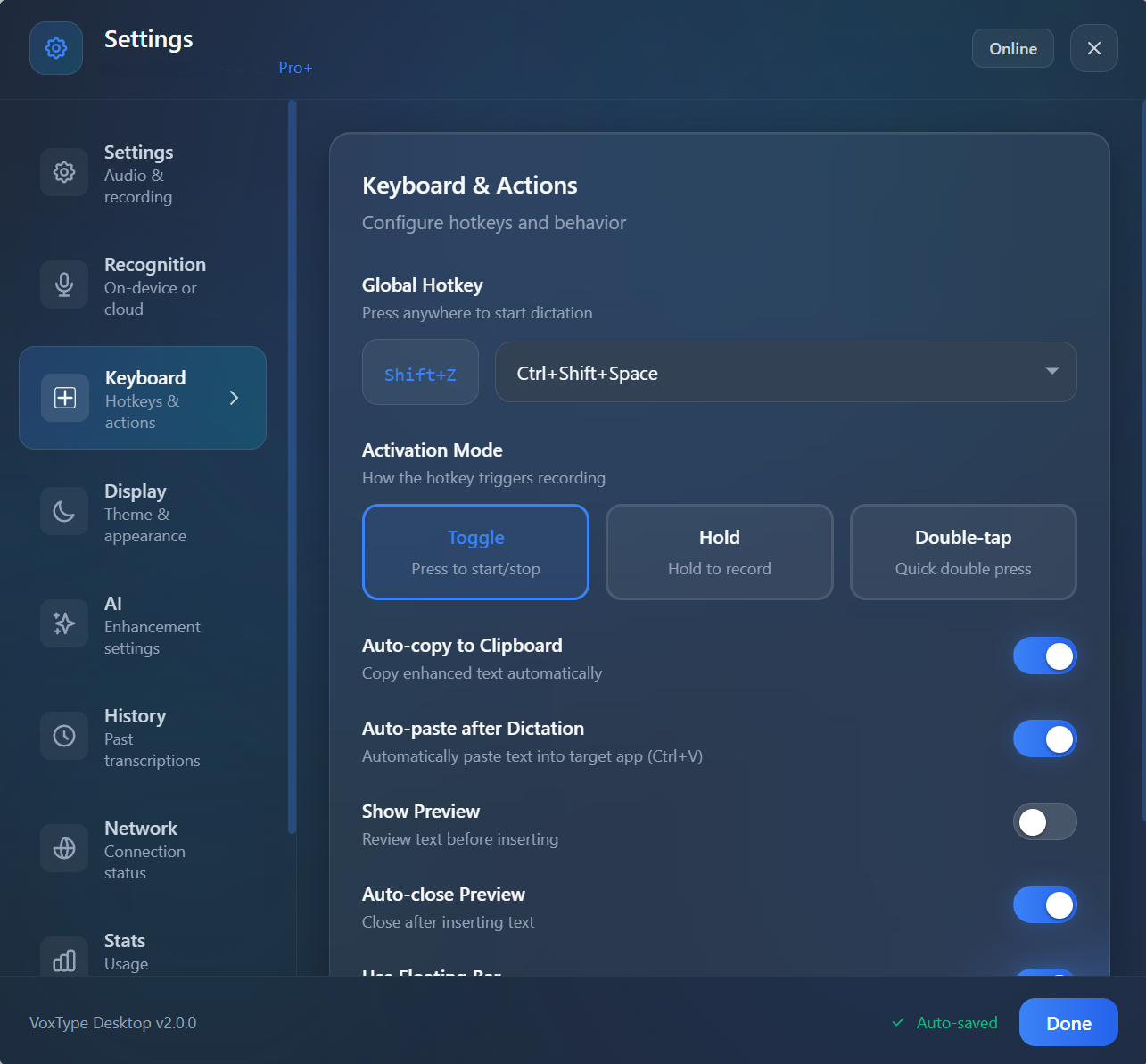
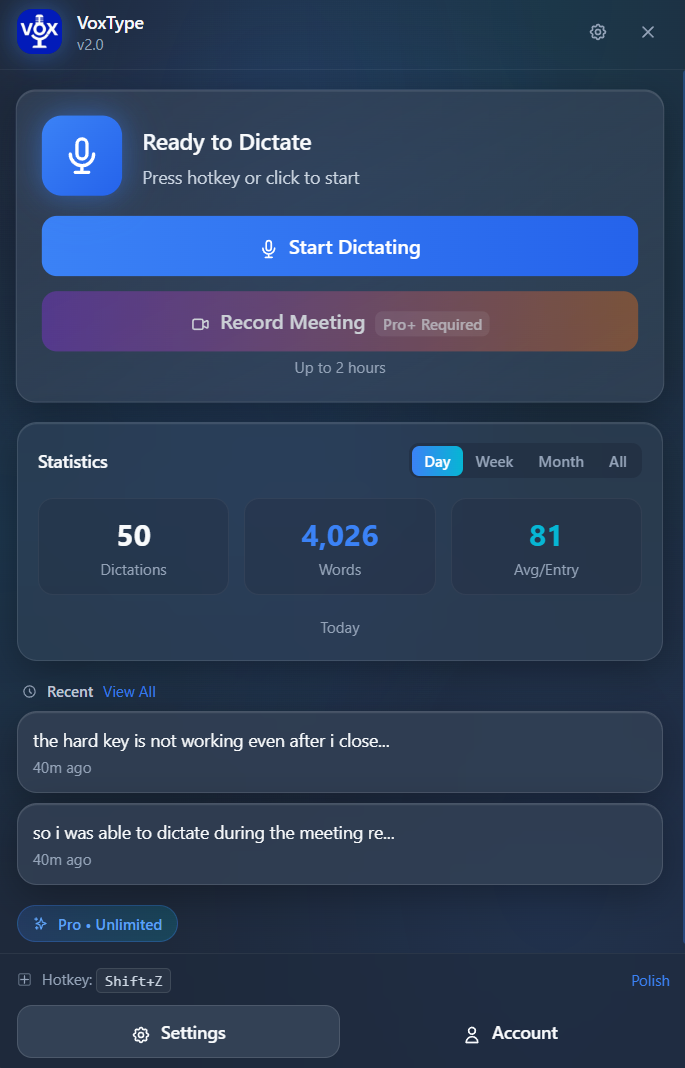
A clean, modern app designed for productivity
See your dictation stats at a glanceβwords typed, minutes saved, and performance metrics. Track your progress over days, weeks, or months.
Choose your style: Quick Polish, Professional, Casual, Formal, Concise, or Expand. VoxType adapts to your needs.
Set any key combination. Choose Toggle, Hold-to-Record, or Double-Tap activation. Your workflow, your rules.
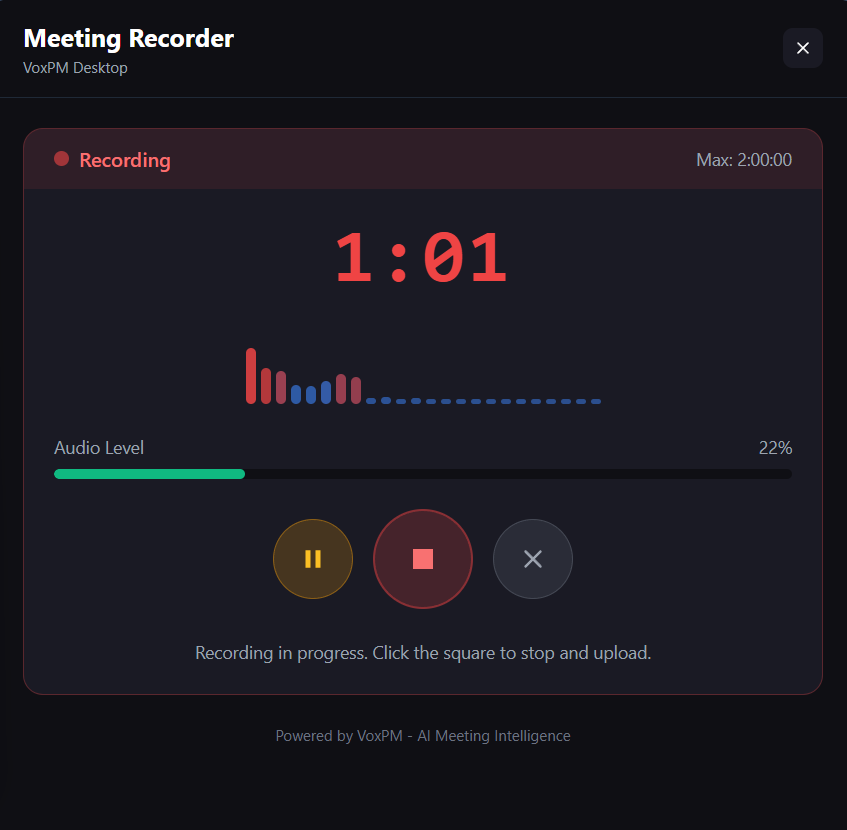
Record meetings directly from VoxType Desktopβno extra apps needed
VoxType Desktop includes full VoxPM meeting recording built right in. If you're a VoxPM Pro subscriber, just click "Record Meeting" to capture up to 2 hours of any meetingβZoom, Teams, Google Meet, or any audio source.
Per recording
System-wide capture
Auto-generated
Up to 8 speakers
Don't have VoxPM yet?
Get VoxPM Pro β
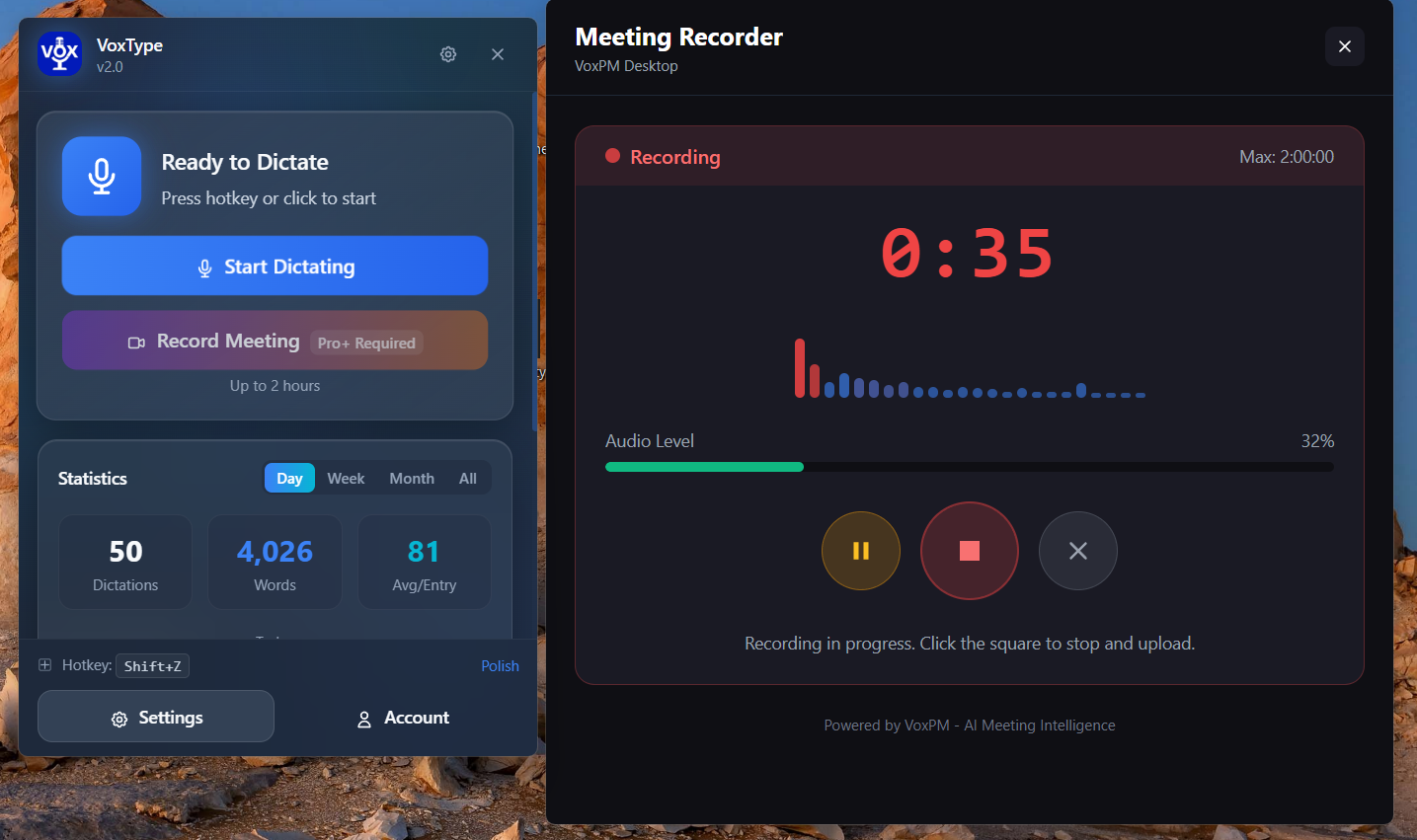
Dictation + Meeting Recording in one seamless app
Click "Record Meeting" to start capturing any meeting instantly
See recording time, audio levels, and controls at a glance
From voice to polished text in three simple steps
Press your hotkey (default: Shift+Z) and start talking naturally. No need to speak like a robot.
VoxType's AI transcribes and polishes your speechβfixing grammar, removing filler words, adjusting tone.
Text auto-pastes into any appβbrowsers, email, code editors, even terminals. Zero copy-paste needed.
VoxType automatically detects your app and adjusts its output
Gmail, Outlook β Professional, formal tone
Slack, Teams, Discord β Casual, friendly
VS Code, Sublime β Technical, precise
Obsidian, Notion β Authentic, minimal changes
VoxType Desktop is part of the VoxType familyβall products work together seamlessly
AI-powered voice keyboard for Android. Type 3x faster with 97% accuracy.
Voice typing & AI writing for any website. Works on Gmail, Docs, LinkedIn & more.
Full VoxType experience on Windows with offline AI and system-wide dictation.
AI-powered meeting intelligence. Record, transcribe, and extract insights automatically.
Your corrections, vocabulary, and preferences sync across all VoxType platforms. Teach VoxType once, benefit everywhere.
Start free with 15 minutes. Upgrade when you need more.
Not satisfied? Full refund within 30 days, no questions asked.
VoxType Desktop is built by a small team in the beautiful Green Mountain State. We believe privacy is a right, not a feature. With on-device processing, your voice never has to leave your computerβever.
Everything you need to know about VoxType Desktop
Windows Voice Typing provides basic transcription. VoxType goes further with AI enhancement that fixes grammar, removes filler words ("um", "uh", "like"), adjusts tone based on context, and learns your personal style over time. Plus, it works in CLI terminals and offers complete on-device processing for privacy.
Yes! With our on-device processing option, you can download AI models (speech recognition and text enhancement) that run entirely on your computer. After the initial download, VoxType works without any internet connection. GPU acceleration (NVIDIA CUDA or AMD Vulkan) makes it blazing fast.
VoxType Desktop requires Windows 10 or later, 4GB RAM (8GB recommended), and 500MB disk space. For GPU acceleration, you need an NVIDIA (CUDA) or AMD (Vulkan) graphics card. VoxType automatically falls back to CPU if no compatible GPU is detected.
Every time you correct VoxType's output, it remembers. Corrections, vocabulary preferences, and style patterns are stored and applied to future dictations. With Pro, this learning syncs across your Android phone, Chrome browser, and desktop automatically.
Yes! VoxType detects when you're in VS Code, Sublime Text, or other editors and preserves technical terminology and formatting. It even works in CLI terminals (PowerShell, CMD, WSL) with smart right-click pasteβa unique feature no other dictation app offers.
VoxType supports 12+ languages including English, Spanish, French, German, Portuguese, Chinese, Japanese, Korean, Italian, and Hindi. Each language includes regional accent support for proper spelling and terminology (e.g., color vs. colour).
You choose your privacy level. Use cloud processing for speed, or keep everything on your device with local AI models. In local mode, your voice and text never leave your computer. We also offer a Privacy Mode that disables all data collection and cloud sync.
Yes! You can cancel your VoxType Desktop Pro subscription anytime. We also offer a 30-day money-back guaranteeβif you're not satisfied, we'll refund you in full, no questions asked.
Join thousands of professionals who save hours every week with VoxType Desktop
15 minutes FREE β’ 10-day Pro trial β’ 30-day money back guarantee